
Choosing the right platform is one of the most important decisions you’ll make when building a website. It affects three critical things: who owns your content, what you’ll spend, and whether your site can grow with your business. While both WordPress and Squarespace make it easy to launch a website, they operate on fundamentally different principles.
Squarespace is a simple, all-in-one platform that works for basic needs, but WordPress is a powerful, flexible system built for long-term growth and business ownership. For any serious project, WordPress is the clear winner.
WordPress: You own everything. Flexible and grows with you.
Squarespace: They own the platform. Simple but boxed in.
Bottom line: Squarespace works for basic sites, but WordPress wins for businesses.
Key Takeaways
- Choosing the right platform affects ownership, costs, and growth potential.
- WordPress offers full control, flexibility, and scalability, whereas Squarespace simplifies the process but limits customization.
- For serious projects, WordPress is better due to its extensive plugins and eCommerce capabilities, while Squarespace suits basic sites.
- Consider your needs: opt for WordPress for growth, advanced features, and SEO control; choose Squarespace for simplicity and quick setup.
- The decision ultimately hinges on the importance of your website to your business; WordPress provides flexibility and power.
WordPress vs. Squarespace: Key Differences
| Feature | WordPress (Self-Hosted) | Squarespace |
|---|---|---|
| Ownership | You own your site and content | Squarespace owns the platform |
| Learning curve | Harder at first, then limitless | Easy to start, hard to expand |
| Customization | 59,000+ plugins, any design possible | Built-in tools only |
| Growth potential | Handles tiny blogs to massive sites | Works until you outgrow it |
| Online store | WooCommerce: no fees, any feature | 3% transaction fees, basic features |
| SEO control | Full control with plugins | Basic options only |
| Real costs | $500–1,000/year after setup | $192–588/year plus transaction fees |
| Best for | Growing businesses, serious projects | Portfolios, simple sites |
WordPress vs WordPress.com: Know the Difference
Two different WordPress options exist:
WordPress.org (self-hosted): Download the free software and install it on web hosting you control. This gives you complete ownership and power. This is what we recommend.
WordPress.com: A hosted service like Squarespace with monthly fees and restrictions. Skip this one.
When this article says “WordPress,” we mean the self-hosted version from WordPress.org.
How They Actually Work
| Platform | What You Get | What You Give Up |
|---|---|---|
| WordPress | Complete control of everything scale without limits 59,000+ plugins available Work with any developer Modify any code you want | Steeper learning curve You handle hosting and maintenance Upfront costs for themes/plugins |
| Squarespace | Quick setup process Beautiful ready-made designs Everything is maintained for you Drag-and-drop editor Never worry about updates | Limited customisation options Your content lives on their platform Transaction fees on some plans Can’t add custom functionality |
Why WordPress Dominates the Web
It’s the platform of choice for large enterprises because it can handle anything. With self-hosted WordPress, you install the software on your own hosting account, giving you complete control over your code, data, and features. Need to switch hosting providers or hire a new developer? You have the freedom to do so without restrictions.
In contrast, Squarespace acts as a landlord, renting you space on its platform. While they manage the hosting and maintenance, your site is confined to their system and subject to their rules. The key difference is ownership.
A WordPress site is a permanent asset that stays yours forever, regardless of platform changes or business pivots. With Squarespace, your business is tied to a platform that can change its terms, raise prices, or even shut down, potentially leaving you stranded.
What You’ll Actually Pay
| Feature | WordPress | Squarespace |
|---|---|---|
| Software | Free | $16-$65/month |
| Professional setup | $1,500-$4,000 | $0-$2,000 |
| Monthly maintenance | $10-$100 | Included |
| Store transaction fees | $0 | 3% on business plans |
| Who owns it | You | Squarespace |
WordPress Real Costs
WordPress software costs nothing, but running a professional site requires a few things:
| What You Need | Cost | What It Does |
|---|---|---|
| Domain name | $10-$20/year | yoursite.com |
| Web hosting | $60-$300/year | Where your site lives |
| Premium hosting | $200-$600/year | Faster, managed WordPress |
| SSL certificate | Usually free | Security and trust |
| Professional theme | $30-$200 | Great design foundation |
| Essential plugins | $0-$500/year | SEO, security, backups |
| Professional setup | $1,500-$4,000 | Custom design and optimization |
| Annual maintenance | $100-$500 | Updates and monitoring |
WordPress hosts like WP Engine and SiteGround specialise in WordPress. They handle updates, security, and support, making everything easier.
Real WordPress costs:
- Basic business site: $200-$400 first year, then $150-$300/year
- Professional site: $2,000-$5,000 first year, then $500-$1,000/year
- Enterprise site: $5,000+ first year, then $1,000-$3,000/year
Squarespace Pricing
| Plan | Monthly | Yearly | What’s Included |
|---|---|---|---|
| Personal | $16 | $144 | Basic sites with Squarespace branding |
| Business | $23 | $204 | More features, but 3% transaction fees |
| Basic Commerce | $27 | $252 | Online store with limited features |
| Advanced Commerce | $49 | $468 | Full store features, no transaction fees |
Squarespace includes your domain for the first year, then you pay annually. Professional customisation costs $500-$2,000, but options stay limited.
Five-Year Cost Reality
| Business Type | WordPress Total | Squarespace Total | Key Difference |
|---|---|---|---|
| Basic business | $2,500 | $1,720 | WordPress: You own it |
| Growing business | $4,500 | $2,520 + fees | WordPress: No limits |
| Online store | $6,000 | $2,340 + 3% of sales | WordPress: No transaction fees |
WordPress costs more upfront, but saves money as you grow. Squarespace’s 3% transaction fees add up fast.
Where WordPress Beats Squarespace
WordPress: Built for Growth
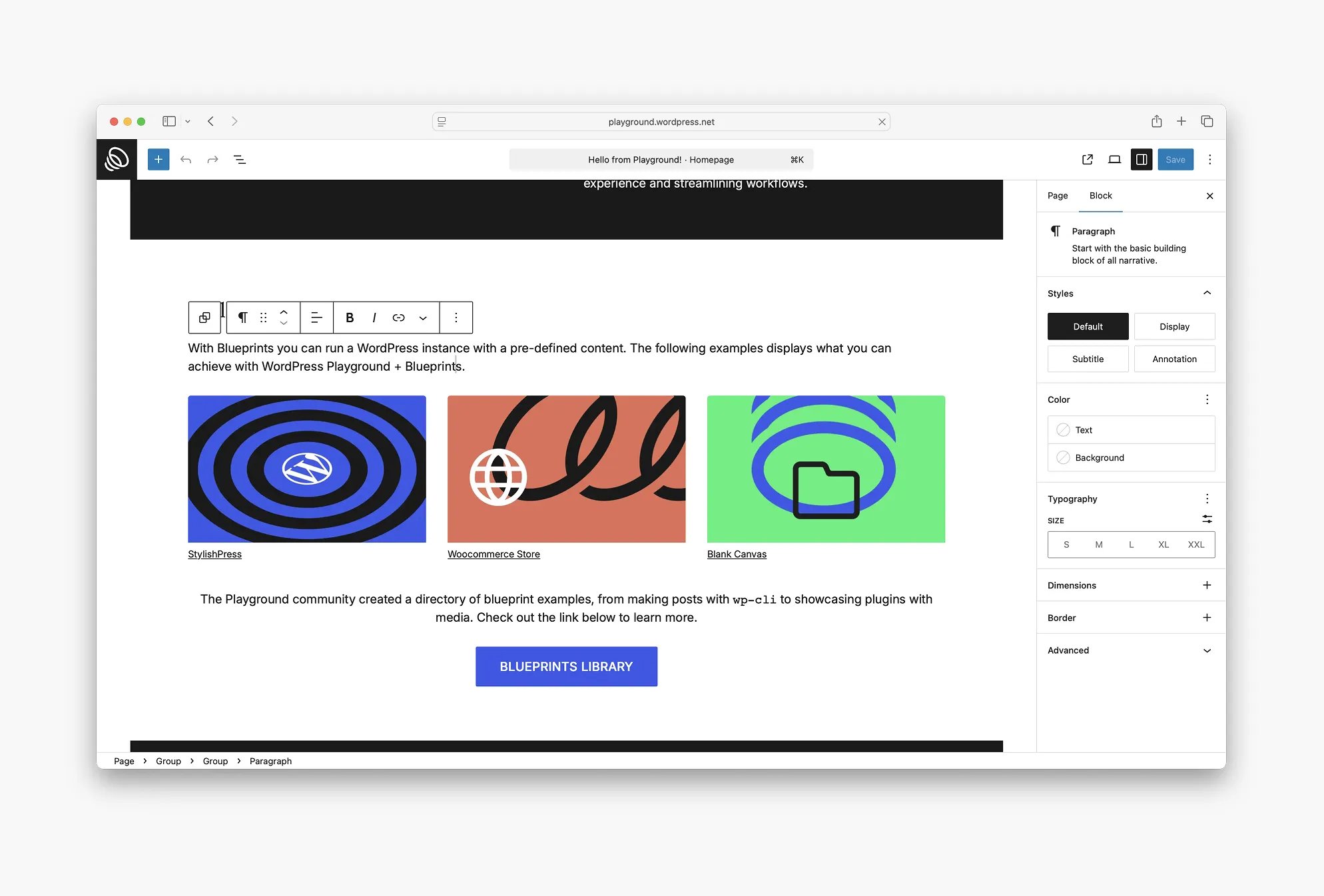
WordPress evolved from a basic blogging platform into a full content management system. The new Gutenberg editor gives you drag-and-drop editing while keeping all the power. Page builders like Elementor and Divi make WordPress as easy to use as Squarespace, but without the limits.
WordPress has plugins for everything. Need better SEO? Install Yoast or Rank Math – they beat most enterprise SEO tools. Want an online store? WooCommerce is one of the world’s leading eCommerce platforms, powering millions of stores. Need a membership site? There’s a plugin for that.
Any web designer can work with WordPress. They can write custom code, modify the design, and build exactly what you need. WordPress themes give you a starting point, but customisation has no limits.
WordPress connects to any tool you use. Google Analytics takes two minutes to set up. Social media, email marketing, CRM systems – they all integrate easily.
Squarespace: Simple but Boxed In
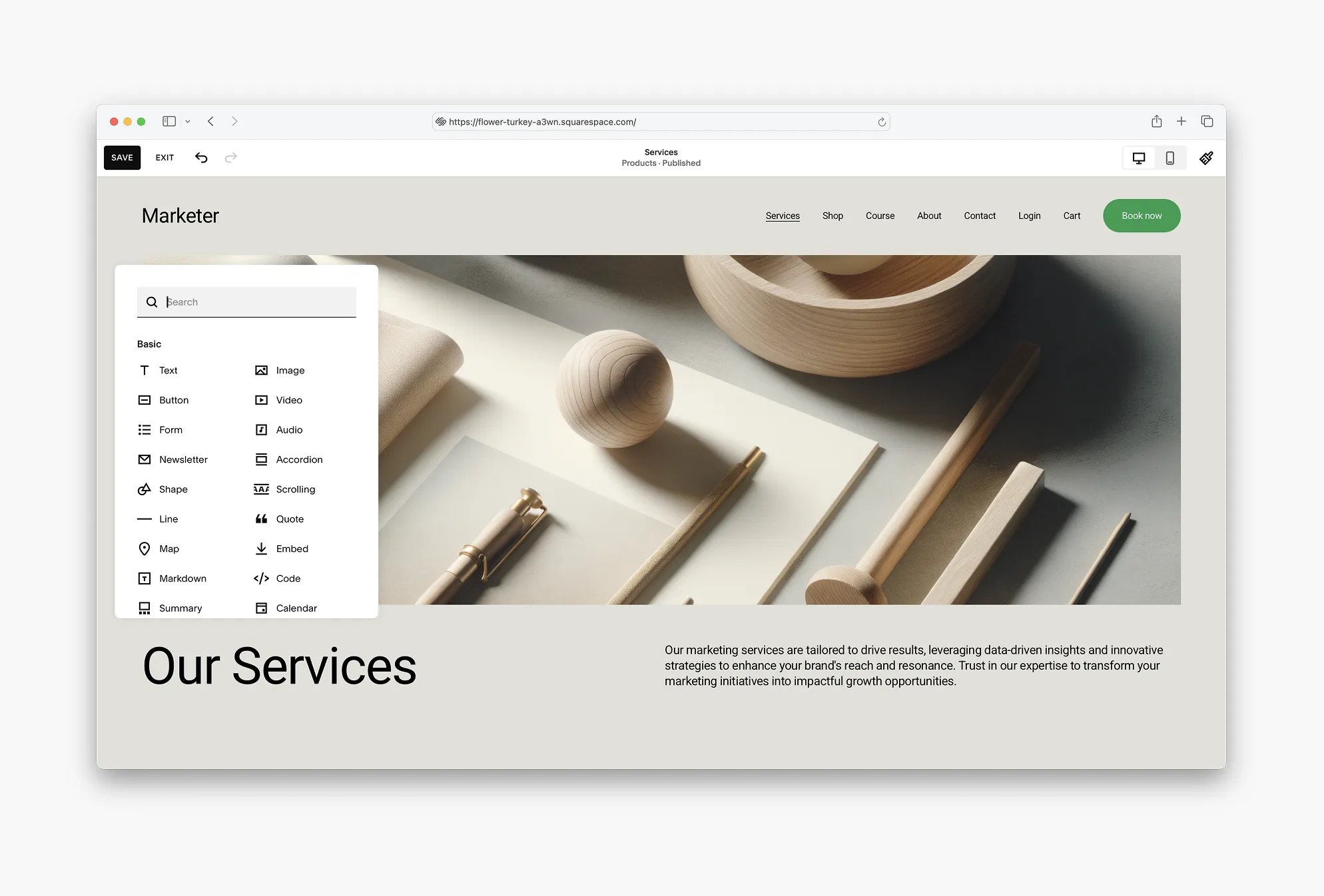
Squarespace makes website building simple. Their dashboard puts everything in one place. Templates look great and work on mobile devices. The drag-and-drop editor lets you make basic changes easily.
You get built-in SEO tools, Google Analytics integration, and social media connections. Basic blogging works fine. Small online stores work too. Hosting, security, and updates happen automatically.
The “Set It and Forget It” Appeal: Some business owners want zero involvement in their website’s technical side. Squarespace delivers this. Updates happen automatically. Security gets managed by the platform. No plugin conflicts or hosting problems exist. This hands-off approach has real value for people who want to focus entirely on running their business, not managing their website.
But Squarespace’s simplicity creates problems as you grow. Custom CSS stays limited. Custom code integration barely exists. Complex features often prove impossible. You can’t install plugins or hire developers to extend what’s possible.
WordPress Plugin Power vs Squarespace’s Built-in Tools
WordPress: 60,000+ Plugins Available
WordPress plugins handle any website feature you can imagine:
SEO Dominance:
- Yoast SEO and Rank Math provide enterprise-level optimisation
- Schema markup for better search results
- Technical SEO controls that help you outrank competitors
- Deep Google Analytics and Search Console integration
eCommerce Excellence:
- WooCommerce powers 28% of online stores worldwide
- Zero transaction fees ever
- Handle unlimited products with any variation
- Accept any payment method, integrate any shipping service
- Advanced features: subscriptions, bookings, memberships, multi-vendor marketplaces
Content Management:
- Advanced blog post organisation and scheduling
- Custom post types for any content structure
- Editorial workflows for teams
- Automated content optimisation
Performance and Speed:
- Caching plugins make sites load faster than any website builder
- CDN integration for global speed
- Advanced analytics and conversion tracking
- A/B testing capabilities
Squarespace: Basic Built-in Features
Squarespace includes essential features without extra plugins:
- Design: Professional templates that work on mobile
- eCommerce: Basic product management and payments
- SEO: Simple optimisation tools
- Analytics: Basic traffic reports and Google Analytics
- Marketing: Simple email campaigns and social sharing
The trade-off hits you when you need more. Squarespace’s blogging works for basic content but lacks advanced organisation. eCommerce handles simple product sales but struggles with complex needs like subscription boxes or multi-vendor marketplaces.
When to Choose WordPress
You should pick WordPress for any serious business website, particularly if your goals include:
- Professional Credibility: Fortune 500 companies and major news sites rely on WordPress to handle complex, enterprise-level needs cost-effectively.
- SEO Advantage: With the right plugins, WordPress sites consistently outperform Squarespace in search rankings thanks to superior optimisation tools, faster speeds, and full technical control.
- eCommerce Profitability: WooCommerce can manage any selling scenario without charging transaction fees, unlike Squarespace’s 3% fee on most business plans.
- Unlimited Growth: WordPress scales infinitely, from a small blog to a platform handling millions of visitors, which is why major sites like CNN and TechCrunch run on it.
When Squarespace Makes Sense
Choose Squarespace only when:
Personal portfolios: Basic showcases with no business goals work fine with Squarespace templates.
Quick temporary sites: You need something online immediately while planning a real website.
Design-focused projects: You care only about looks, not functionality, and don’t plan advanced features.
Technical avoidance: You refuse to learn anything technical or work with developers.
Ultra-simple needs: You’ll never need more than basic pages, simple blogging, and contact forms.
Hands-off preference: You want a completely managed solution where you never think about hosting, security, or updates, and you accept limited growth for this convenience.
Predictable budgeting: You prefer fixed monthly costs over variable expenses and don’t plan significant scaling.
Even for simple sites, modern WordPress themes with page builders often provide better value with minimal extra complexity.
User Experience: WordPress vs Squarespace
WordPress: Professional Control
WordPress gives you a true content management system. The editor provides complete content control while themes offer unlimited customisation. You can modify CSS, implement custom features, and work with any designer to build exactly what you need.
Specialised WordPress hosts like WP Engine and SiteGround provide optimised environments with automatic updates, security monitoring, and expert support.
Everything integrates easily. Google Analytics connects in minutes. Social media, email marketing, and business tools all work together seamlessly.
Squarespace: Simple but Limited
Squarespace provides a clean interface perfect for beginners. Everything happens through their dashboard – content editing, analytics, and settings. The drag-and-drop editor makes basic customisation intuitive.
You work within template boundaries. While Squarespace templates look great, customisation stays limited compared to WordPress themes and custom development.
WordPress’s Web Dominance
WordPress runs over 43.5% of all websites and 38.8% of the top 1,000 sites. Major companies choose it for good reasons:
- Disney uses WordPress for multiple brand sites
- Sony Music manages its global presence with WordPress
- Mercedes-Benz runs international marketing campaigns on WordPress
- Harvard Business Review publishes its content empire through WordPress
Web designers pick WordPress because it provides creative freedom, supports any functionality through plugins, and scales infinitely.
WordPress works for serious businesses needing professional websites with advanced features. Squarespace works for simple personal sites or businesses that prioritise simplicity over growth potential.
Make Your Choice
Your decision depends on your priorities:
Business impact: Choose WordPress when your website significantly affects your success. It supports growth, advanced eCommerce, sophisticated content management, and complete creative freedom.
Growth plans: WordPress scales infinitely. Squarespace constrains expansion. Successful online businesses eventually need WordPress-level capabilities.
Content control: WordPress gives you complete ownership of content, data, and customisations. You maintain full control over your digital assets.
Search visibility: WordPress sites with proper plugins generate more traffic through superior SEO capabilities.
WordPress sets the professional standard for serious websites. Squarespace creates simple sites quickly with zero technical involvement, but WordPress builds powerful, profitable web presences that grow with your business.
Pick WordPress unless you have strong reasons to accept Squarespace’s limitations. The initial learning pays off through better performance, unlimited growth potential, and complete control over your online presence.
Squarespace = simple and limited.
WordPress = flexible and powerful.
Does your website matter to your business? Choose WordPress.
